
In the waning light of a summer afternoon, long after the grand adventure had begun in Infinity Nikki, the young stylist found herself swept into a wardrobe that was far more than a piece of furniture. It was a portal, and on the other side lay Miraland\u2014a land stitched together from wishes and fabric, where every stitch held a bit of magic. Since the game first graced Android, iOS, PS5, and PC back in late 2024, players have followed Nikki\u2019s journey alongside her fluffy, cat-like companion Momo, chasing down Miracle Outfits and uncovering the secrets of a world that seemed tailor-made for a fashion lover\u2019s soul.
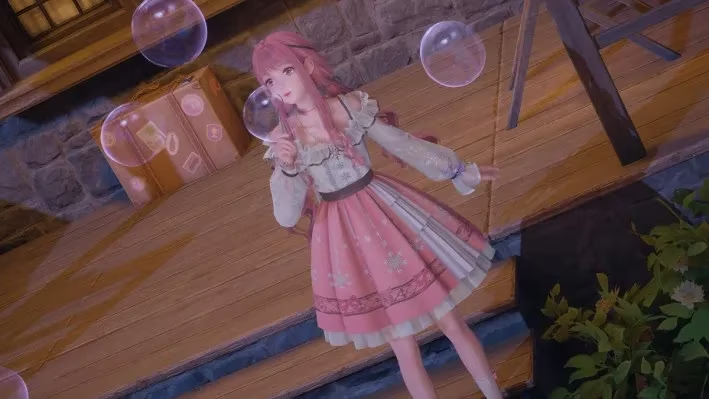
Nikki\u2019s first hours in Miraland were a whirlwind of shimmering fields and quaint villages. She soon found herself pulled into a quest called "Land of Wishes," a mission that asked her to help two young siblings, Jean and Ruby. Their task was simple: fashion new strings to hold the precious Wish Bottles that hung from a sacred tree. The work was delicate, requiring the kind of patience only a true adventurer in a world built on beauty could muster. Few players guessed that this seemingly small errand would unlock something far more personal than a piece of the main story. It was the key to preserving every breathtaking moment that lay ahead.
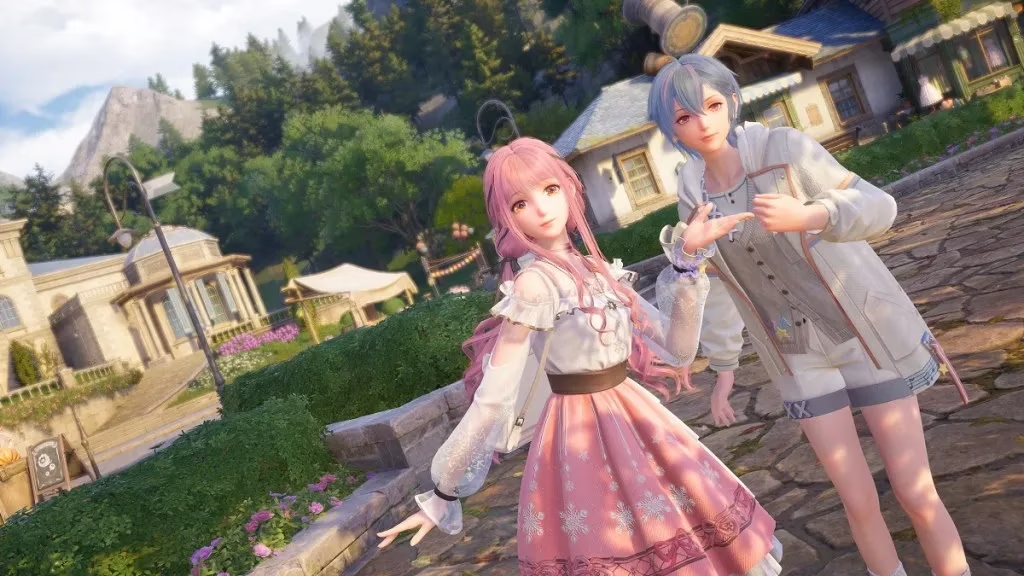
After the last knot was tied and the bottles sparkled anew in the sun, a figure stepped out from behind a tree. Her name was Bebe, a cheerful photographer who had been watching Nikki\u2019s work with quiet admiration. With a snap of her own lens, she captured the moment before springing forward to introduce herself. The conversation that followed was brief but life-changing in the context of the game. Bebe didn\u2019t just offer praise; she handed Nikki a camera\u2014a gift that Momo promptly snatched up, clicking a picture of Nikki and Bebe together. That instant marked the birth of the Infinity Nikki photo mode, a feature that would turn every player into a budding photographer in a world bursting with picture-perfect scenery.
From that point on, the camera icon in the shortcut wheel was no longer grayed out. To enter photo mode, Nikki simply needed to open the circular menu and select the camera. Momo, ever the loyal companion, would become the official photographer, which meant the little cat was never present in the frames. It was a bittersweet design choice, but one that allowed for uninterrupted shots of Nikki posing against Miraland\u2019s dreamy backdrops.
Before diving headfirst into a photography session, experienced players learned a few tricks. The most crucial was altering the time of day. Miraland\u2019s sky could shift from a soft, golden dawn to a star-studded velvet night, and once the camera was open, the clock stood still. Setting the desired light before framing the shot guaranteed the perfect atmosphere. The second non-negotiable step involved the Pear-Pal, Nikki\u2019s all-purpose digital assistant. Inside its settings, under the Graphics subsection, a toggle for photo and screenshot quality waited. Bumping it up to the highest setting meant every downloaded memory would be crisper, ready to be shared or cherished.
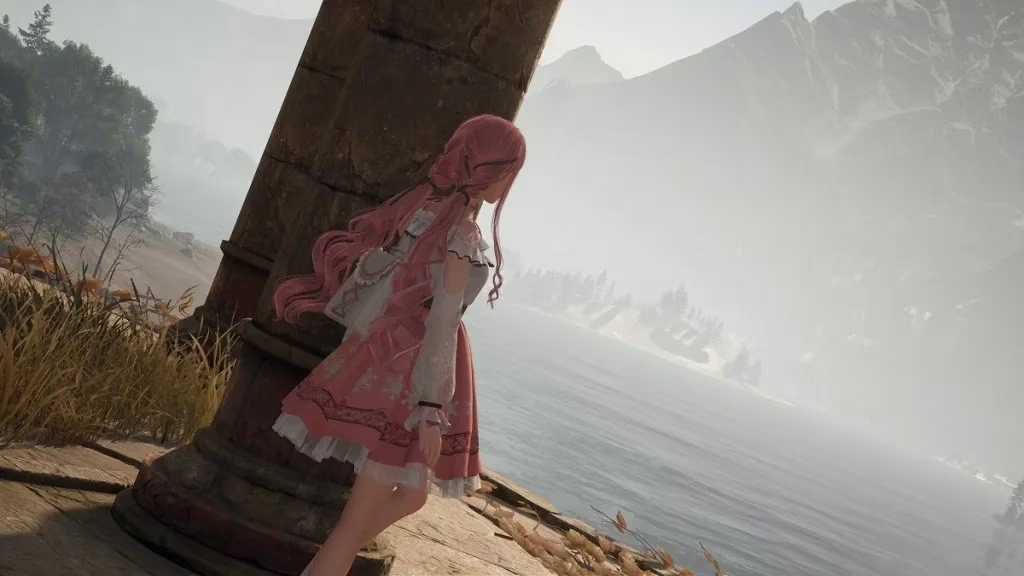
Once the camera was live, the real artistry began. The adjustment box was a treasure chest of creative tools. The Pose option let Nikki strike anything from a coy smile to a dramatic flourish, while Lighting sliders could mimic a studio setup or the eerie glow of a distant Wish Bottle. Filters layered moods over the scene\u2014sepia for nostalgia, vivid for a fairy-tale glow. But the true magic came when players combined these with the environment. Lining up a shot so that the golden petals of a Florajoy flower framed Nikki\u2019s face, or capturing her silhouette against the glow of a setting sun required patience and experimentation. The developers had hidden countless such opportunities, and the photo mode was clearly built to let players slow down and admire the art.
Taking the photo was as simple as pressing a button, but the journey didn\u2019t end there. All snapshots were collected in Momo\u2019s Album, accessible through the Pear-Pal. Each image could be viewed, enlarged, and downloaded with a few taps. It became a personal gallery of triumphs, outfits, and quiet moments. Some players used it to plan future adventurers; others simply scrolled through to relive the serene joy of wandering through a meadow in a new gown.
Beyond the technicalities, the photo mode served a deeper purpose. Infinity Nikki was never just about collecting clothes; it was about expressing oneself in a world that celebrated creativity. The camera gave meaning to every outfit scoured and every platform climbed. It turned a quiet hilltop into a stage and an ordinary bridge into a runway.
Even in 2026, the community thrives on these captured moments. Social feeds are flooded with shots taken in places only the most dedicated explorers can reach. New players still stumble upon the "Land of Wishes" quest and experience that same jolt of delight when Bebe hands over the camera. It remains one of the most charming unlocks in any modern adventure game\u2014a testament to the idea that the best tool a hero can carry isn\u2019t a weapon, but a way to remember the journey.
Key Steps to Unlock Photo Mode
\ud83d\udcf7 Complete the Chapter 1 quest "Land of Wishes" by helping Jean and Ruby.
\ud83d\udcf8 Speak with Bebe after the quest to receive the camera.
\ud83c\udf05 Enter photo mode anytime via the shortcut wheel (except while riding the Whimcycle).
Infinity Nikki is available on Android, iOS, PS5, and PC.
For players looking to dive into Infinity Nikki or expand their gaming library, staying updated on the latest deals can make all the difference. Whether you’re exploring Miraland for the first time or revisiting its scenic landscapes, finding the right platform at the right price ensures a seamless experience.
If you're on the hunt for discounts and offers, be sure to check out game deals today. From adventure games like Infinity Nikki to other captivating titles, DealNest is a great resource for discovering unbeatable prices and keeping your gaming collection fresh.
Comments